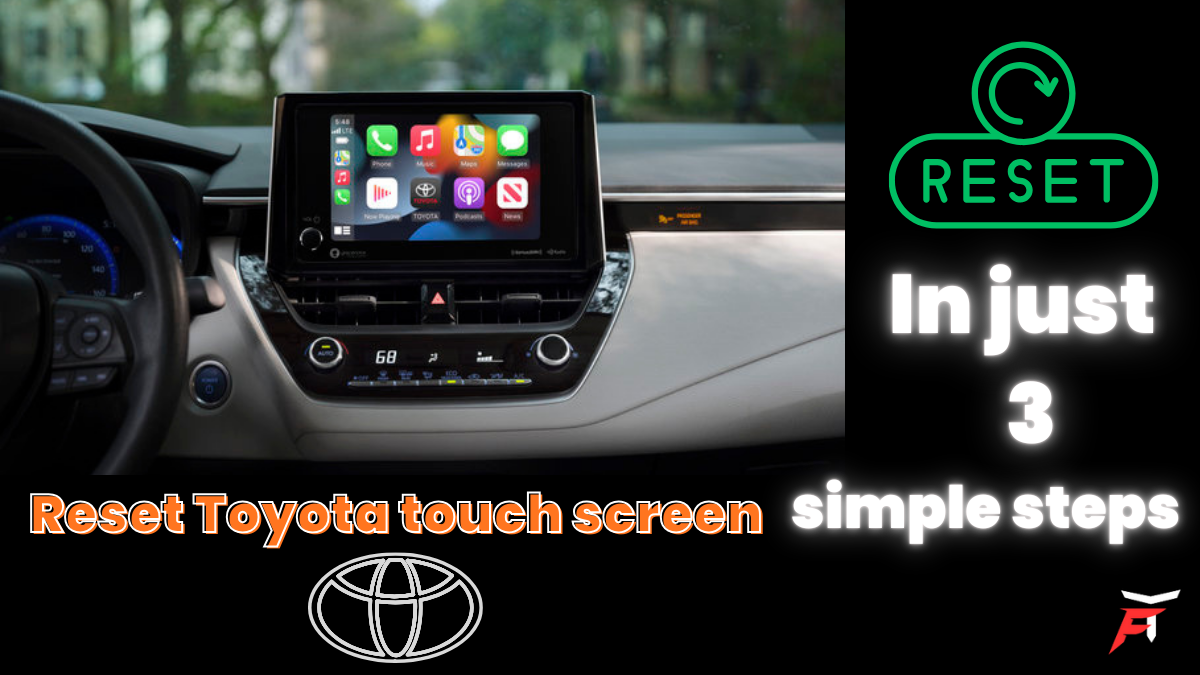
Why toyota Touch screen not working properly, Step by Step guide how to fix it
Before we jump into solutions, let’s talk honestly for a moment.
Modern Toyota infotainment systems are basically mini computers. Just like smartphones or laptops, they:
Run software
Store temporary data
Connect to multiple devices
Can occasionally crash or freeze
Common reasons your Toyota touch screen may misbehave include:
Software glitches after an update
Bluetooth conflicts with your phone
System overload due to background apps
Sudden voltage drops when starting the car
Heat exposure (especially in hot weather)
Feeling annoyed is completely normal. You paid for a smooth driving experience, not a frozen screen staring back at you.
Signs Your Toyota Touch Screen Needs a Reset
You may need to reset the system if you notice any of the following:
Touch screen not responding to taps
Screen frozen on one display
Black or blank screen
Audio system not working
Bluetooth not connecting or disconnecting
Navigation system stuck or lagging
Random reboots or error messages
If one or more of these sound familiar, a reset is often the fastest and safest fix.
Having trouble with sound on Windows 11? Don’t miss our detailed guide on fixing the Audio Renderer Error to restore your audio quickly.
Method 1: Soft Reset (The First Thing You Should Try)
A soft reset is like restarting your phone. It doesn’t erase data and is completely safe.
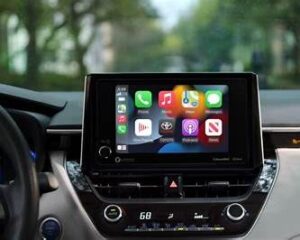
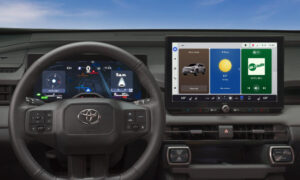
Steps to Perform a Soft Reset:
Start your Toyota vehicle (or turn it to ACC mode).
Locate the Power/Volume knob on the infotainment system.
Press and hold the knob for 10–15 seconds.
The screen should turn off.
Release the knob and wait for the system to reboot.
How You’ll Know It Worked:
Toyota logo appears on the screen
System reloads normally
Touch response improves
Human tip:
Sometimes it takes two attempts. Don’t give up if it doesn’t work the first time.
Method 2: Hard Reset (When Soft Reset Doesn’t Work)
If the screen remains unresponsive, it’s time for a hard reset. This method cuts power to the system and clears temporary memory.
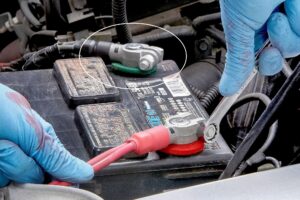
Steps for Hard Reset:
Turn off the engine completely.
Open the hood.
Disconnect the negative (-) battery terminal.
Wait 10–15 minutes.
Reconnect the terminal securely.
Start the vehicle.
What This Does:
Clears system cache
Fixes deep software freezes
Restores system responsiveness
Important:
This may reset clock time and radio presets, but it will not harm the car when done properly.
Method 3: Reset Through Toyota Touch Screen Settings (If Accessible)
If your screen still works partially, this is the cleanest reset option.
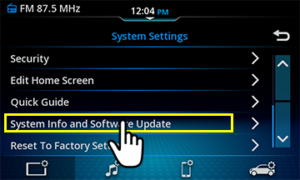
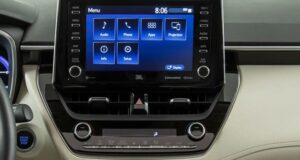
Steps:
Tap Menu on the screen.
Go to Setup or Settings.
Select General or System.
Tap Restore Factory Settings or Reset.
Confirm the action.
Heads up:
This will erase saved Bluetooth devices, navigation history, and preferences but often fixes stubborn bugs completely.
You can seek help from the offical store of Toyota here for better experience.
Toyota Touch Screen Reset for Popular Models
While the reset process is similar across Toyota vehicles, here are some commonly searched models:
Toyota Corolla touch screen reset
Toyota Camry infotainment reset
Toyota RAV4 touch screen not working
Toyota Highlander display reset
Toyota Fortuner multimedia reset
In most cases, Method 1 or 2 works across all models, regardless of year.
What If Reset Doesn’t Fix the Problem?
Let’s be real—sometimes a reset isn’t enough. And that’s okay.
Possible reasons include:
Outdated infotainment software
Faulty display panel
Loose wiring behind the dashboard
Failed head unit hardware
What You Can Do Next:
Visit an authorized Toyota service center
Ask for a software update
Request a diagnostic scan
Honest reassurance:
Most issues are software-related and do not require replacing the entire screen, which saves you money.
Tips to Prevent Toyota Touch Screen Problems in the Future
A little care goes a long way:
Avoid unplugging USB devices suddenly
Keep software updated
Don’t overload with multiple Bluetooth connections
Park in shade during extreme heat
Restart the system occasionally
Think of it like giving your car’s brain a break it deserves one.
Final Thoughts
Technology can be annoying especially when it fails at the exact moment you need it. But resetting your Toyota touch screen is simpler than it looks, and now you have the confidence and knowledge to handle it yourself.
Whether you’re heading to work, picking up family, or just enjoying a quiet drive, your infotainment system should support you not frustrate you out.
If this guide helped you, consider saving it or sharing it with another Toyota owner who might need it someday.
FAQs
1. How do I reset my Toyota touch screen?
You can reset your Toyota touch screen by turning on the vehicle and pressing and holding the power or volume knob for about 10–15 seconds until the system restarts. This is the safest and most common method.
2. Why is my Toyota touch screen not responding?
A Toyota touch screen may not respond due to a temporary software glitch, system overload, Bluetooth conflict, or power interruption. Restarting or resetting the infotainment system usually fixes the issue.
3. Will resetting the Toyota touch screen erase my settings?
A soft reset will not erase your settings. However, a factory reset will remove saved Bluetooth connections, radio presets, navigation history, and personalized preferences.
4. How do I fix a frozen Toyota infotainment screen?
To fix a frozen Toyota infotainment screen, perform a soft reset using the power button. If the problem continues, a hard reset by disconnecting the car battery for 10–15 minutes can help.
5. Is it safe to reset the Toyota infotainment system?
Yes, resetting the Toyota infotainment system is completely safe when done properly and will not damage the vehicle or its electronics.
IF YOU FIND IT HELPFUL THEN SAVE IT FOR LATER USE AND SHARE THIS WITH ANOTHER FRIEND AND WITH YOUR CIRCLE TO HELP THEM AS WELL AND SHARE YOUR REVIEWS AS WELL IN COMMENT SECTION.
